Some lessons are easier to watch than to read. iTutor now turns the material you uploaded into a short narrated video: the key points of your own notes, explained with moving pictures, in your language. And it is on every plan, Free included.
Until now, videos came with the Pro and Enterprise plans. From today every plan can make them: one video a month on Free, two on Basic and three on Premium, each up to a minute, or a minute and a half on Premium. That is the right length for one idea, a definition, a process or a formula, watched once before class and again before the exam.
Made from your notes, not from the internet
A video is built from your subject's own files: the topic you type, or the most important topics across the whole subject. The script follows the order of your material and uses its terms, so what you watch matches what you will be tested on.
Six kinds of film
Each style is its own kind of film, with its own scenes, camera, lettering and sound. Pick the one that suits the lesson:
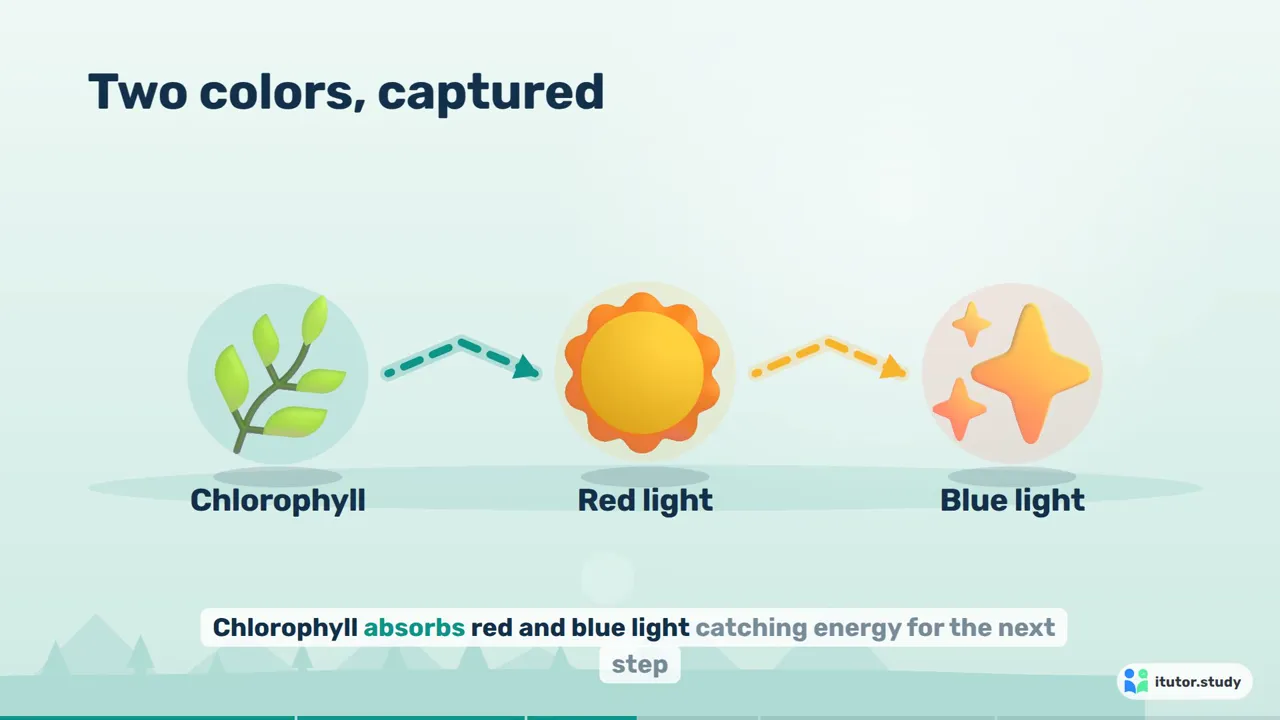
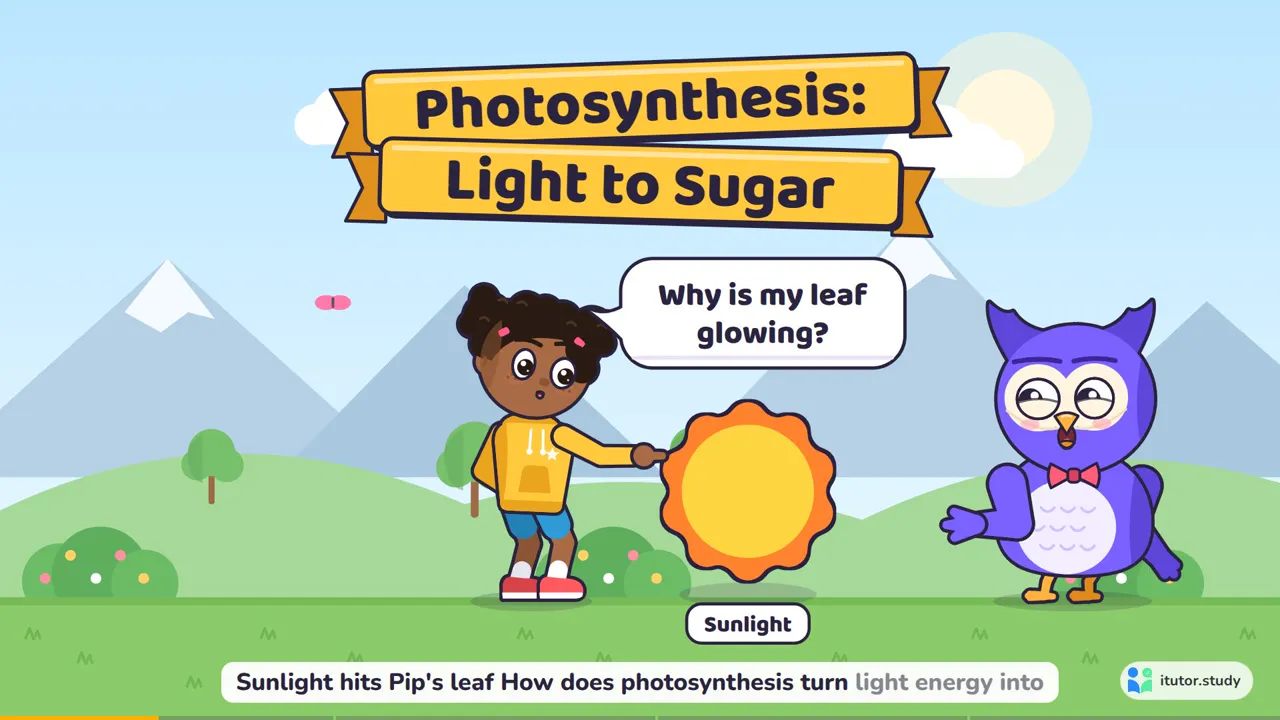
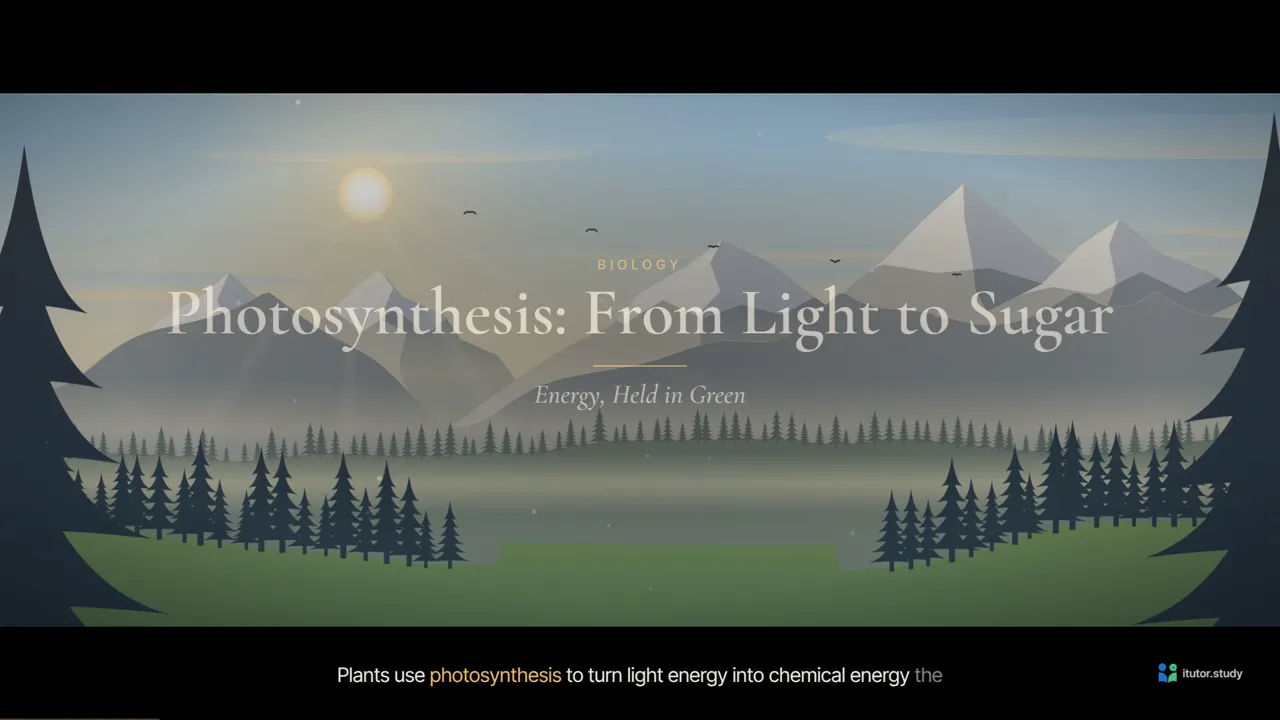
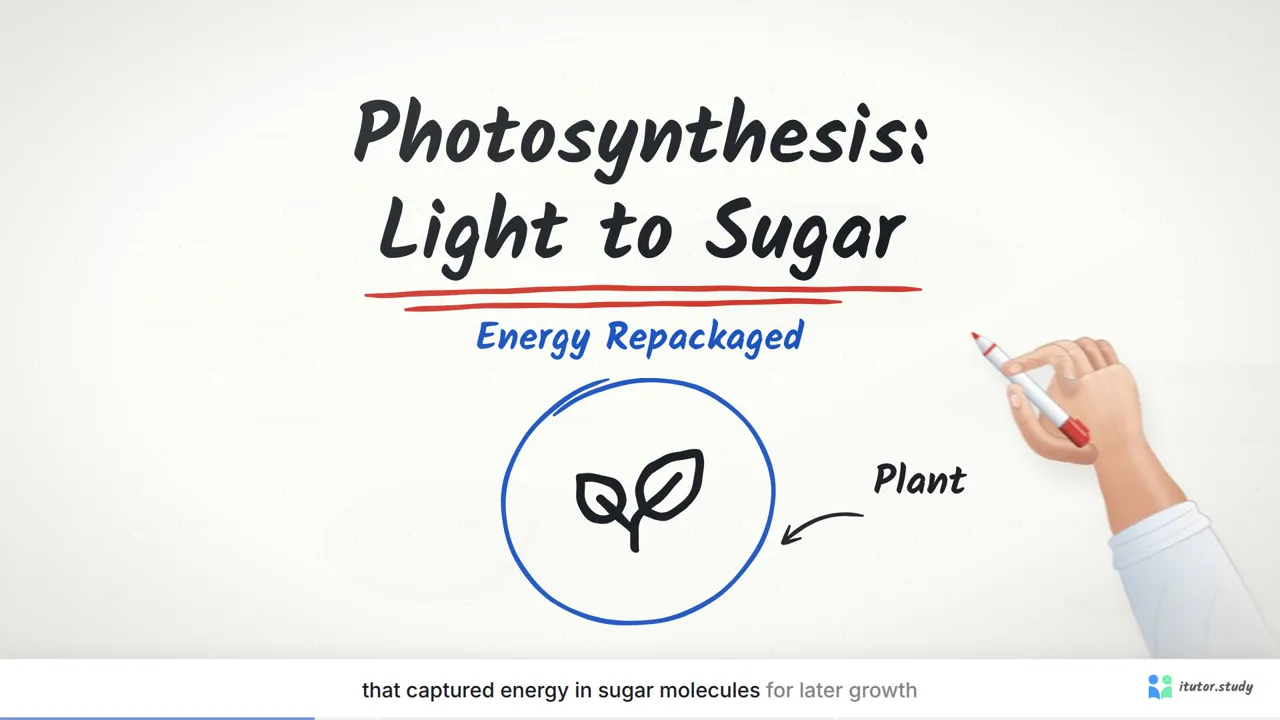
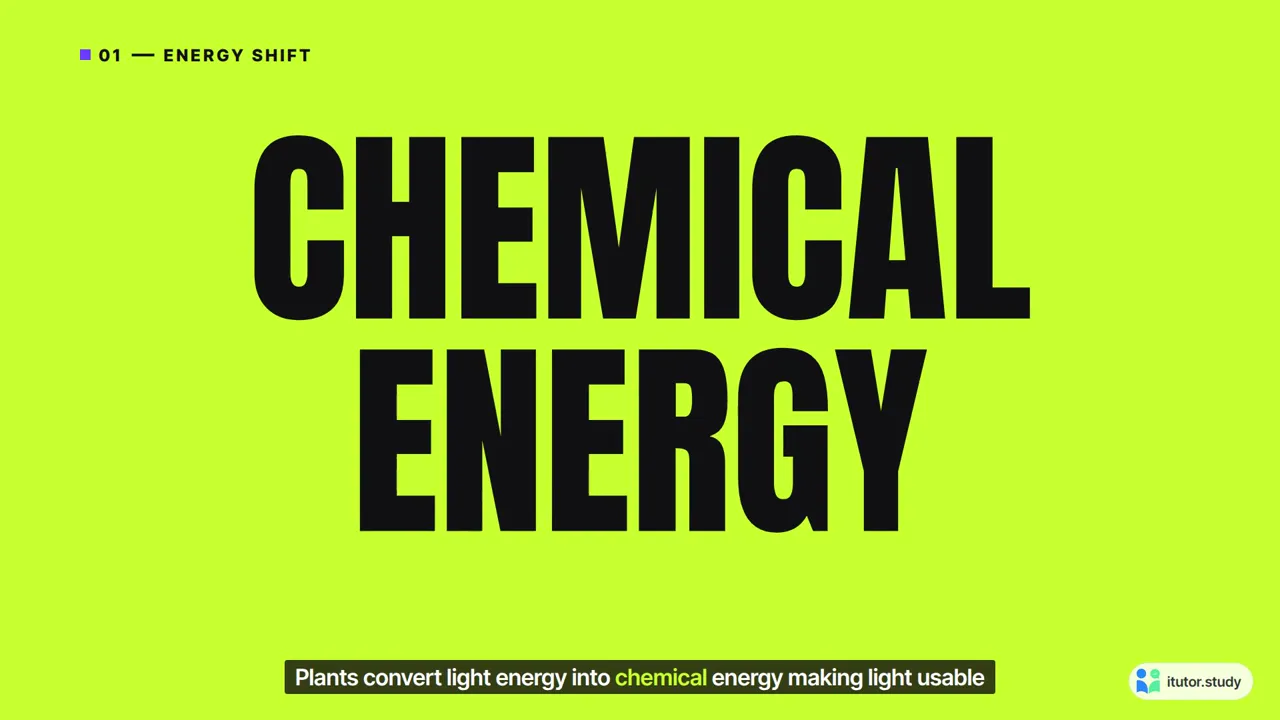
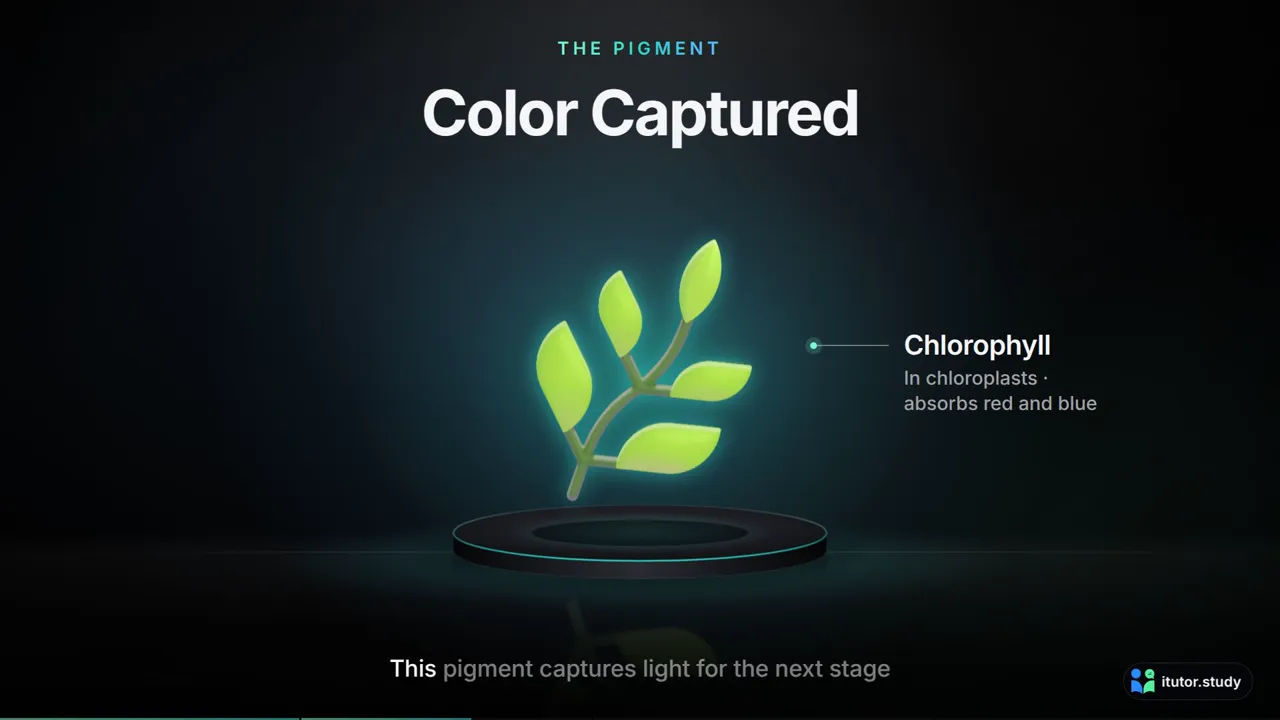
When a lesson is about a shape or a structure, such as a molecule, an organ or a machine, the video adds a short 3D moment by itself, drawn in the style you chose. A programming lesson gets a code editor that types the example and runs it.
Pick the length, the language and the voice
Ask the tutor in the chat the way you would ask a friend, for example "make me a short video on photosynthesis", or open Studio and choose Educational Video. A card asks a few questions:
- Length: a slider from 10 seconds up to your plan's longest video. It starts at 45 seconds.
- Style: one of the six above. Explainer is the default.
- Language: 14 narration languages: English, Arabic, French, German, Spanish, Italian, Portuguese, Dutch, Turkish, Indonesian, Malay, Urdu, Japanese and Korean. The narration, the words on screen and the captions are all in that language, and Arabic and Urdu videos read right to left.
- Voice: a female or a male narrator, in every language.
Ready in about 5 to 7 minutes
A video is written, drawn, narrated and then checked frame by frame before you see it, so it takes a few minutes: usually 5 to 7. It is made on our side, not in your browser, so you don't have to wait. Keep chatting, open another subject or close the tab. When it is ready it plays right in the chat and is saved in your Generated Library, and the Download button saves it as an MP4 file.
What each plan includes
| Plan | Videos a month | Longest video |
|---|---|---|
| Free | 1 | 1 minute |
| Basic | 2 | 1 minute |
| Premium | 3 | 1.5 minutes |
| Pro | 10 | 10 minutes |
| Enterprise | 200 | 10 minutes |
Every plan gets all six styles, all 14 languages and both voices. Only the number of videos and their length change.
Your videos reset at the start of each month. A video that could not be made does not count against your month, so you can simply try again.
Make your first video
- Open a subject and upload your material: PDFs, Word files, slides, or photos of your notes.
- In the chat, ask for a video, or open Studio and choose Educational Video.
- Pick a style, a length, a language and a voice, then press Make it.
- Keep studying. In about 5 to 7 minutes your video is ready in the chat.
Start free on iTutor and turn this week's notes into your first video.